BITECH Engineering Insights
Notes from the lab, the factory floor, and the field — on SOM architecture, galvanic isolation, validation, and long-life industrial computing.
Engineering Notes
Edge AI & Local LLM Compute
Where inference should run, how much VRAM it needs, and which GPU form factor survives a sealed industrial enclosure.
12 min read
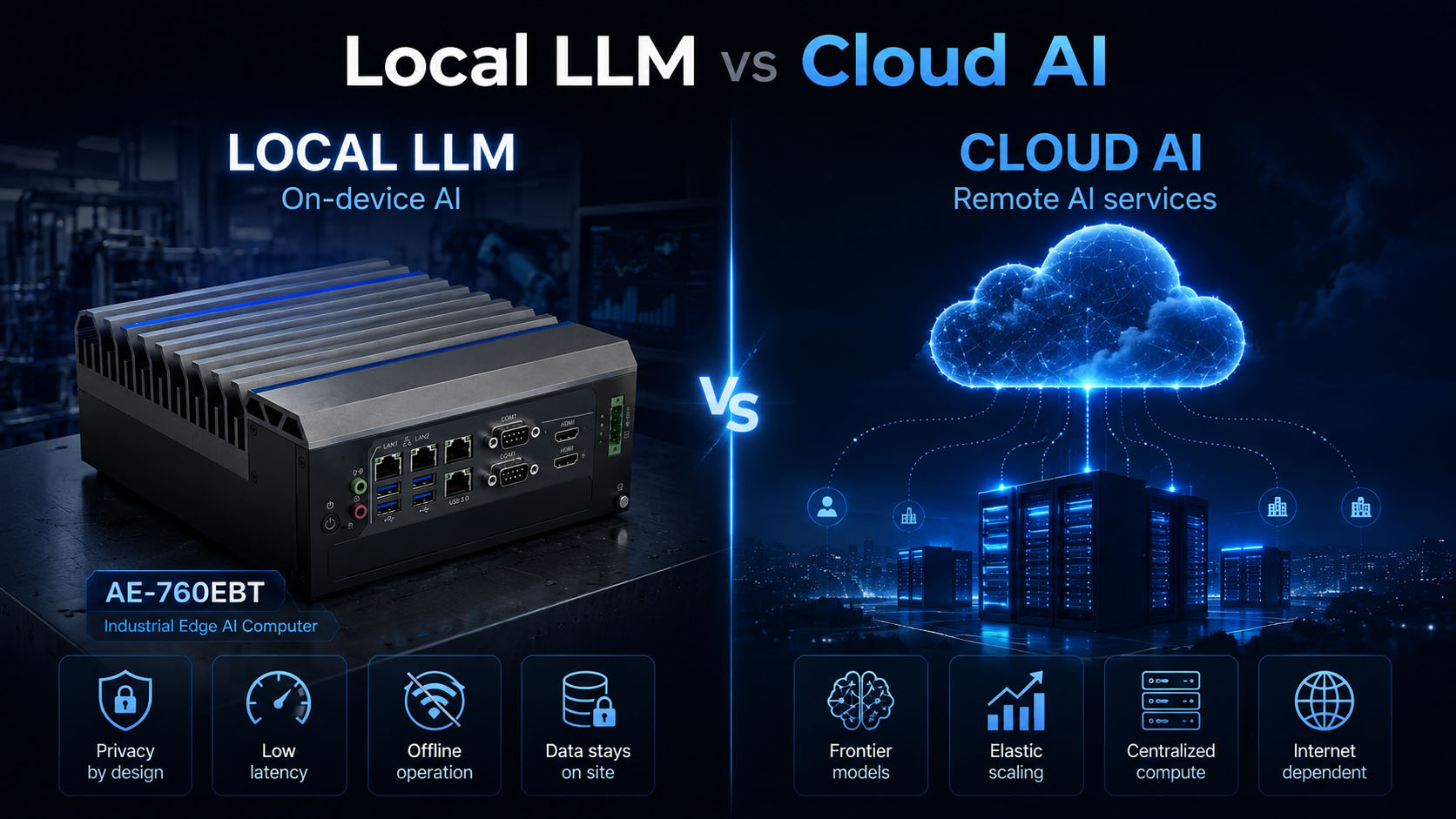
Local LLM vs Cloud AI: When Does Edge Inference Make Sense?
Placement is a spectrum, not a binary — latency and jitter, privacy vs security, data sovereignty, video bandwidth, offline operation, CAPEX vs OPEX, and the operations cost nobody budgets for.
11 min read
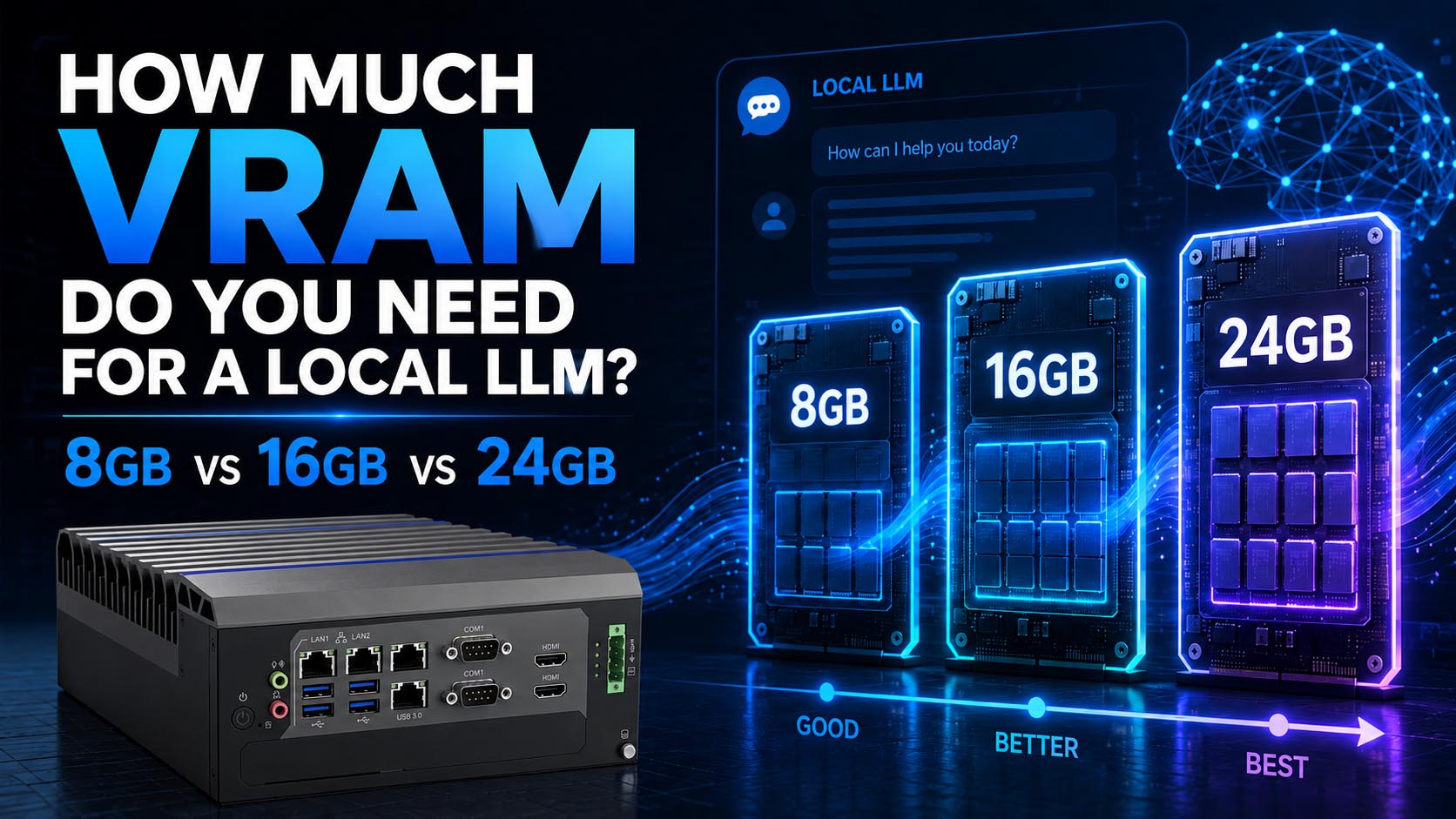
How Much VRAM for a Local LLM? 8GB vs 16GB vs 24GB
Weights are only the first line of the budget. KV cache, context length, quantization, CPU offload and OS reservation decide the tier — plus what changes when the box runs unattended in a cabinet.
10 min read
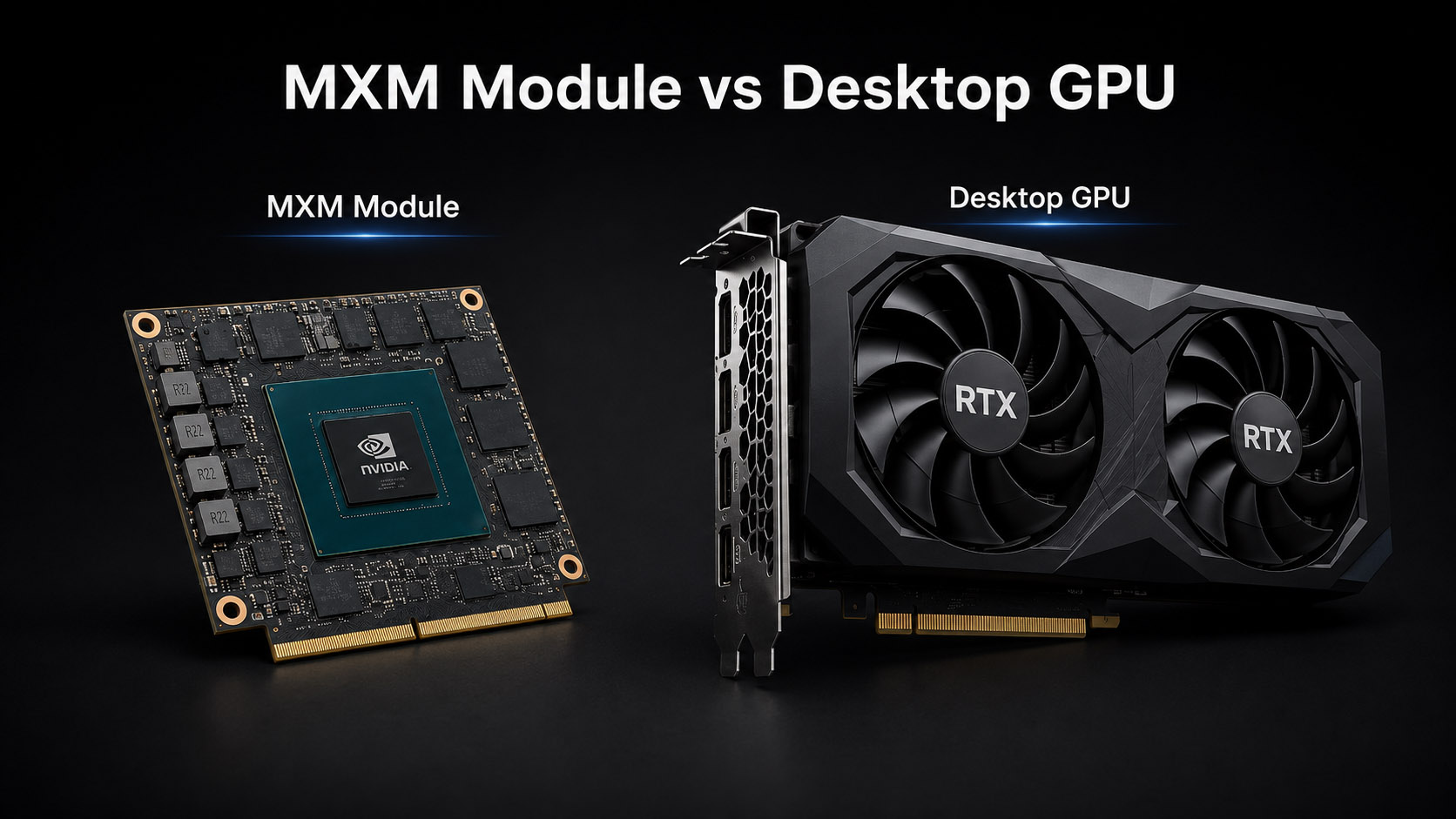
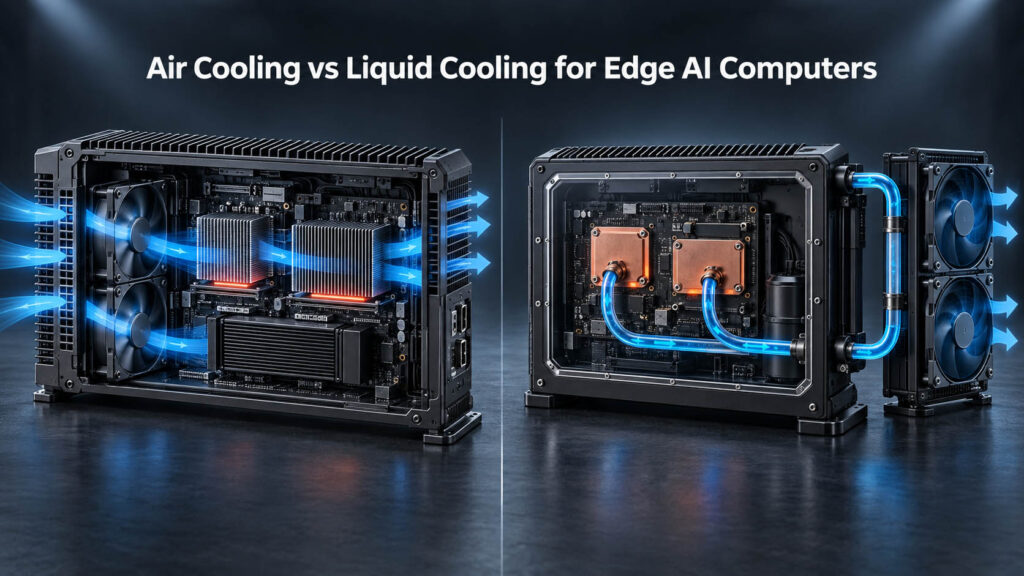
MXM vs Desktop GPU for Edge AI Computers
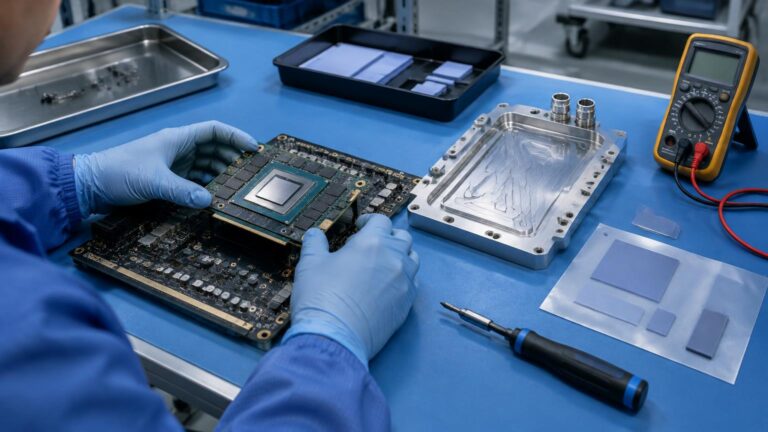
Same GPU architecture, two system-design problems. Enclosure, thermal path, power delivery, field service and lifecycle decide the form factor — not the benchmark score.
12 min read
Edge AI for Local LLM & Medical Applications
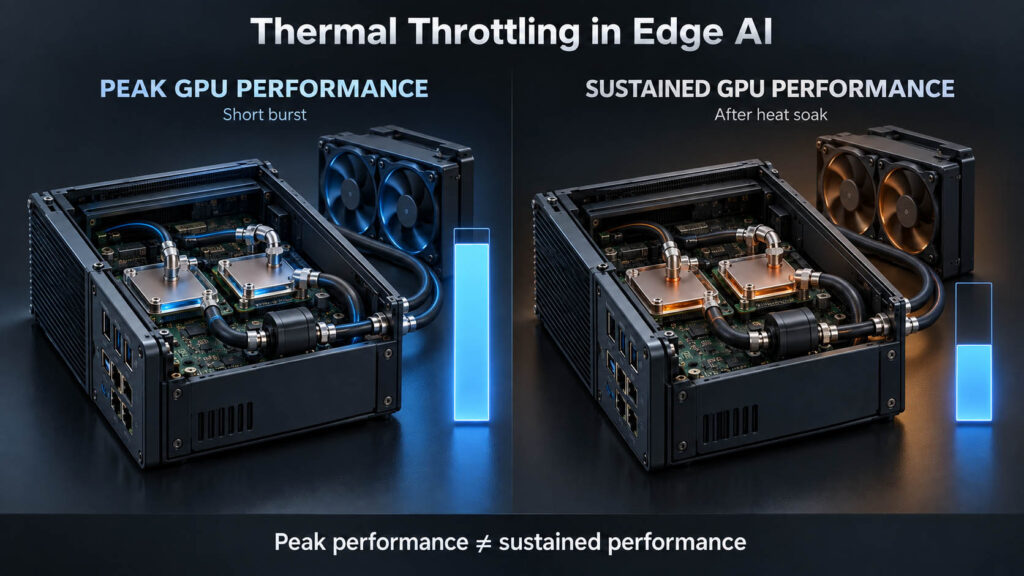
Workload placement, VRAM budgeting (8GB vs 16GB vs 24GB), MXM vs desktop GPU, sustained thermal performance, and adding AI to legacy DICOM/HL7 medical infrastructure.

10 min read
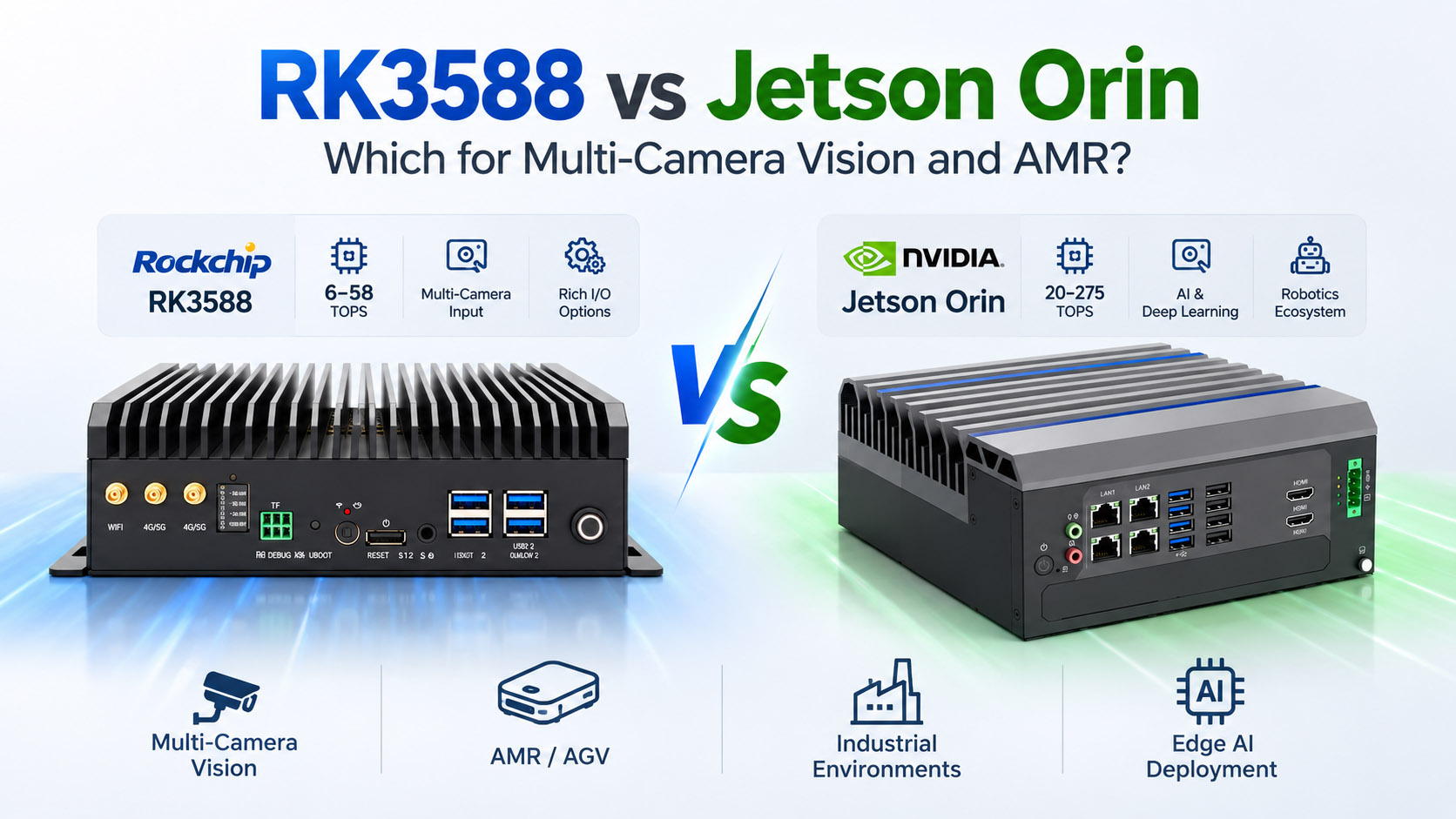
RK3588 vs Jetson Orin: Which for Multi-Camera Vision and AMR?
Camera ingress, toolchain, and power budget decide the platform before TOPS does — a practical guide to choosing between AE-3588BT/LBT and the AE-NJ60BT for AMR and vision projects.
Engineering Notes
Medical Edge AI & Legacy Integration
Patient-data handling, DICOM/HL7/FHIR integration, and adding an AI layer to validated equipment without replacing it.
13 min read
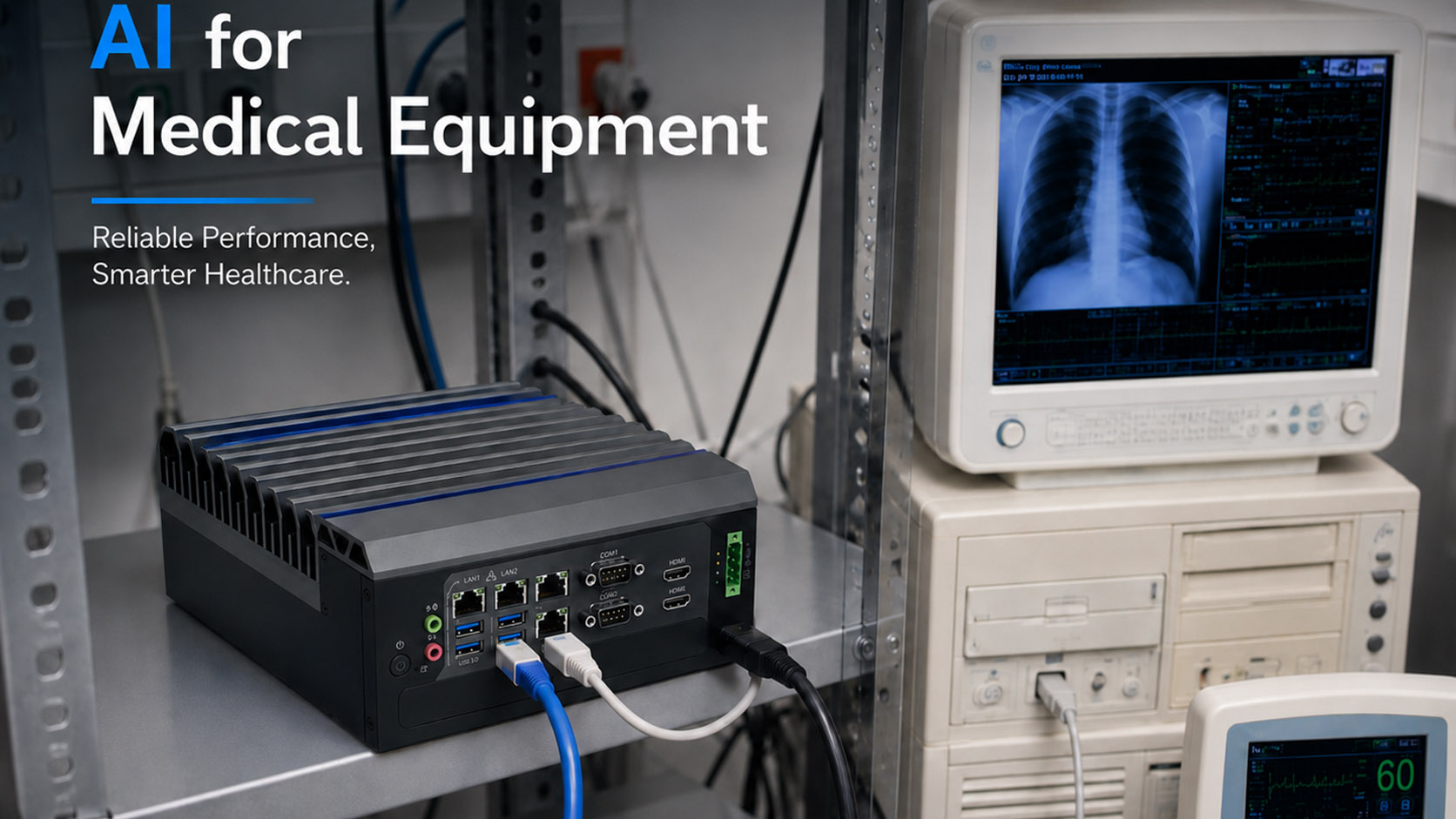
Medical Edge AI: Why Patient Data Should Stay Close to the Device
A system-level guide to medical edge AI — the data path before the model, why local ≠ HIPAA compliant, PACS/DICOM and HL7/FHIR integration, and the four deployment architectures.
12 min read
Adding AI to Legacy Medical Equipment Without Replacing It
Keep the validated device as the system of record and add a controlled AI layer around it — DICOM/HL7/FHIR retrofit paths, read-only first, and where an edge AI gateway fits.
Engineering Notes
Machine Vision & Factory Inspection
Imaging chain, cycle-time sizing, multi-camera bandwidth and vision-to-PLC integration for AOI systems that have to survive production.
13 min read
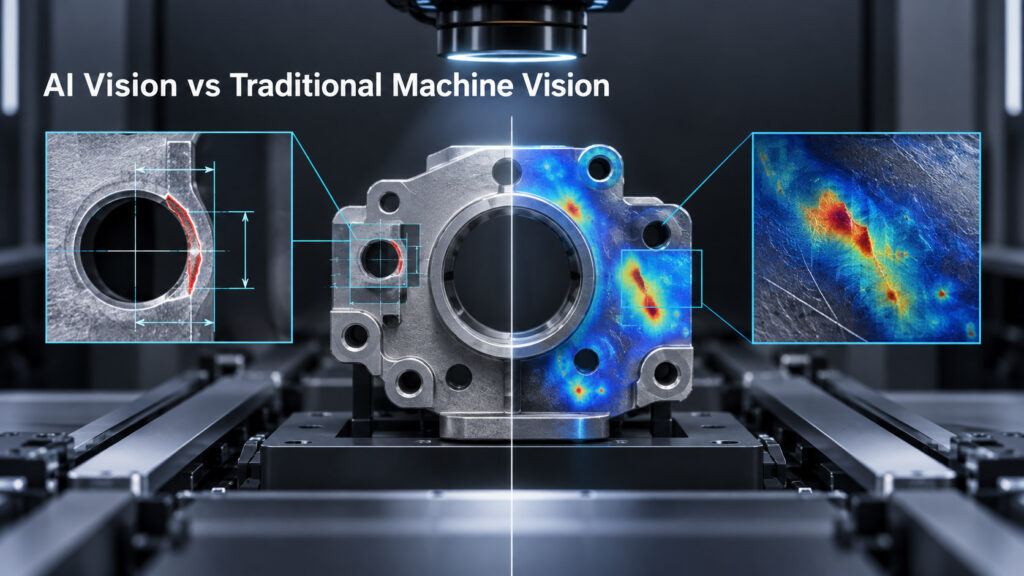
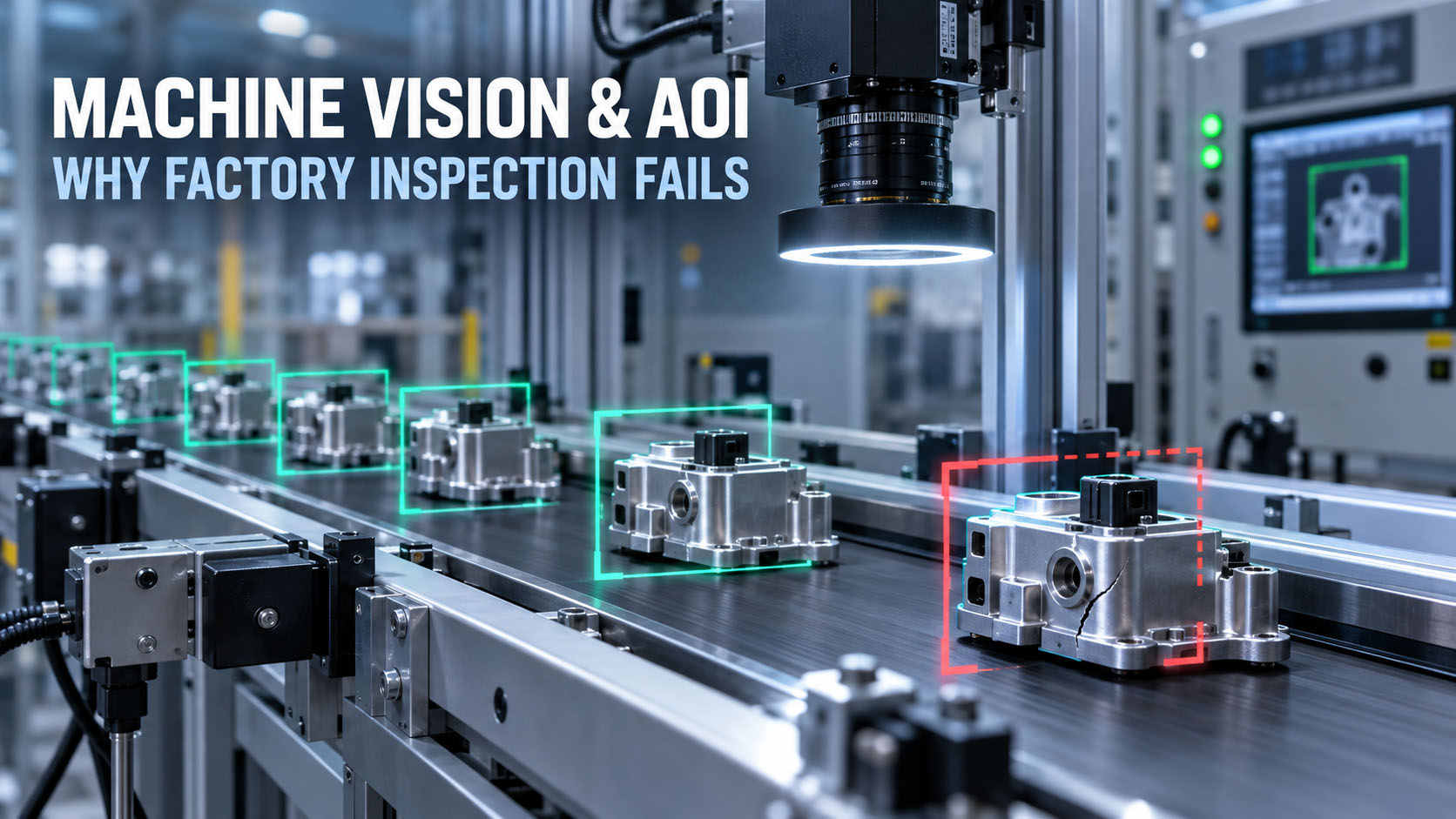
Machine Vision & AOI: Why Factory Inspection Fails Outside the Lab
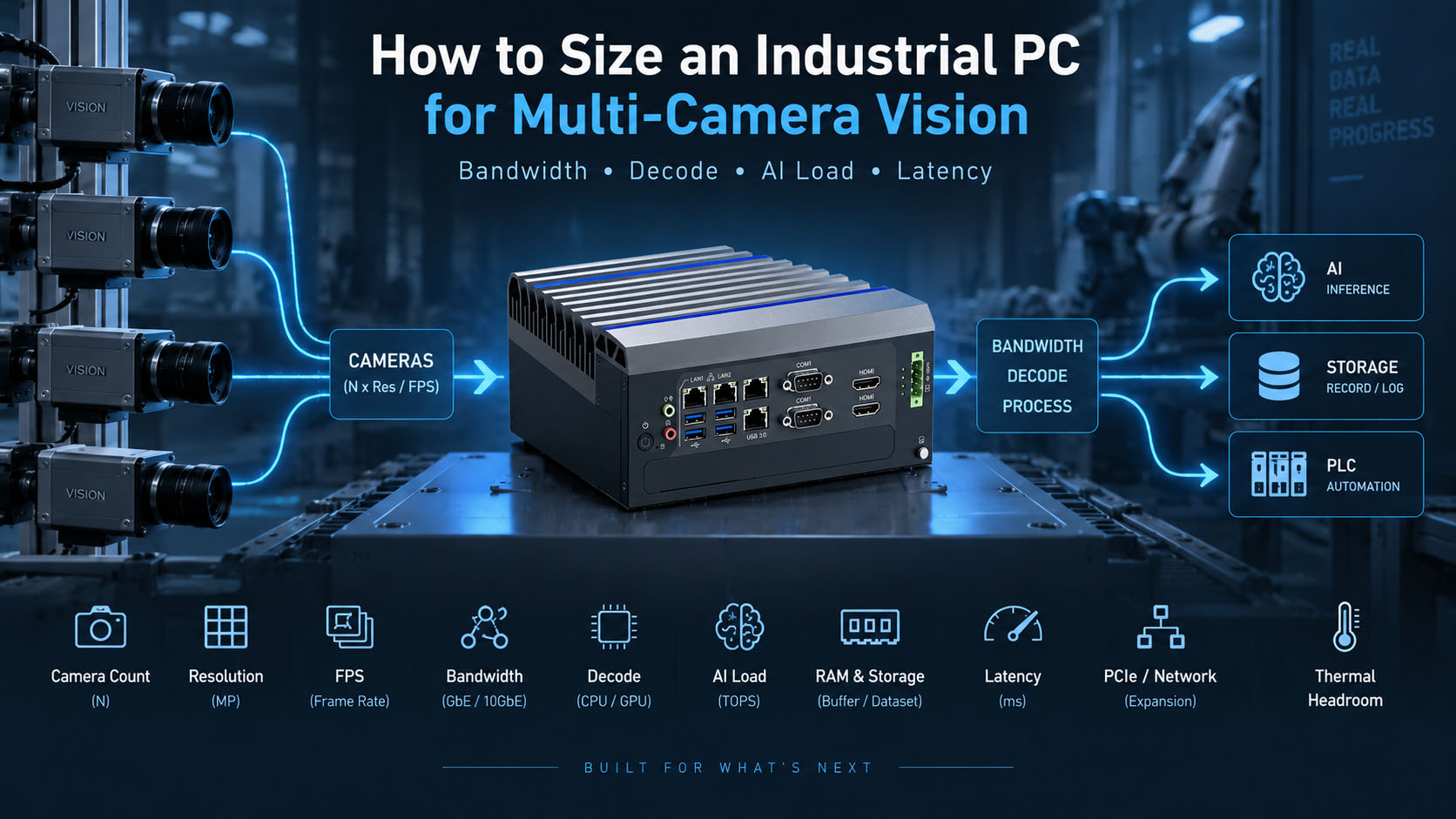
Lighting and optics before GPU selection, dataset shift on the line, false-positive cost, cycle-time sizing, multi-camera bandwidth, vision-to-PLC architecture, and the sustained-load evidence a 24/7 AOI computer needs.
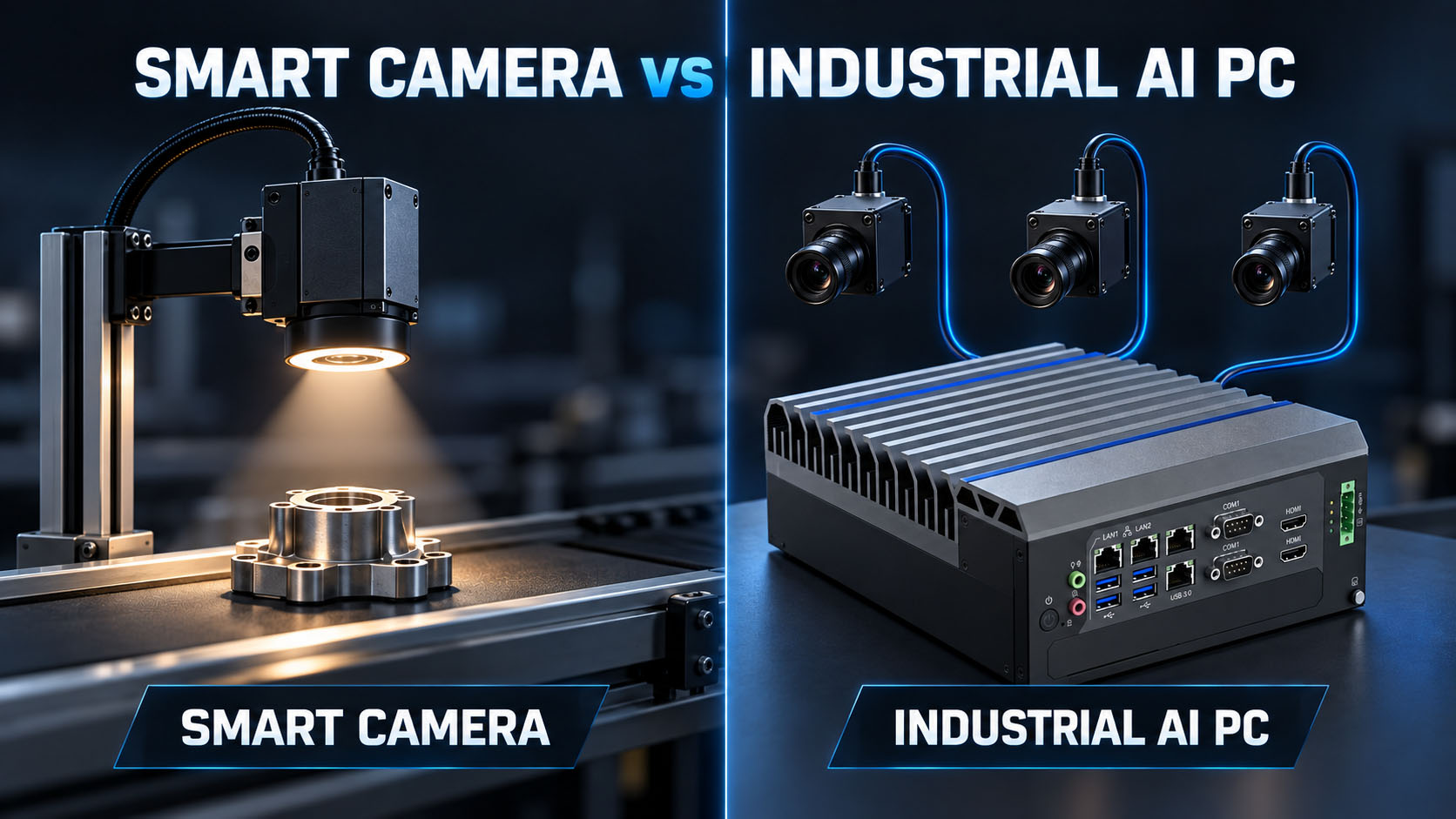
AOI Inspection Lighting & Optics Cycle Time PLC Integration
Read More
Selection Guides
Choosing the Right Platform
Spec-by-spec buying guides — CPU class, expansion slots, panel format, thermal design, and what the industrial premium actually buys.
8 min read
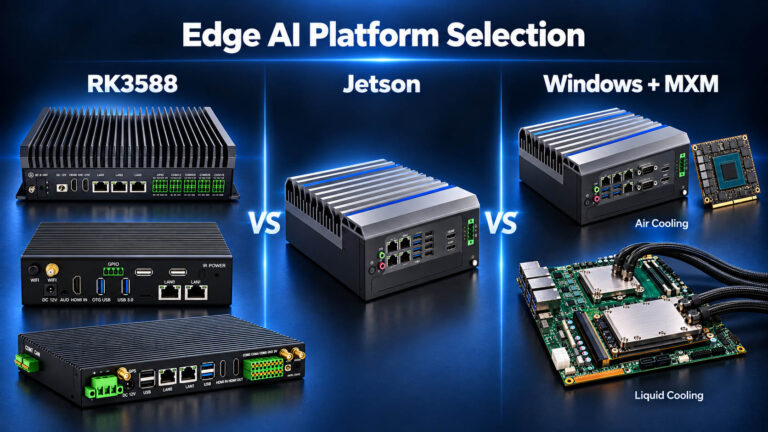
Choosing an RK3588 Industrial Computer
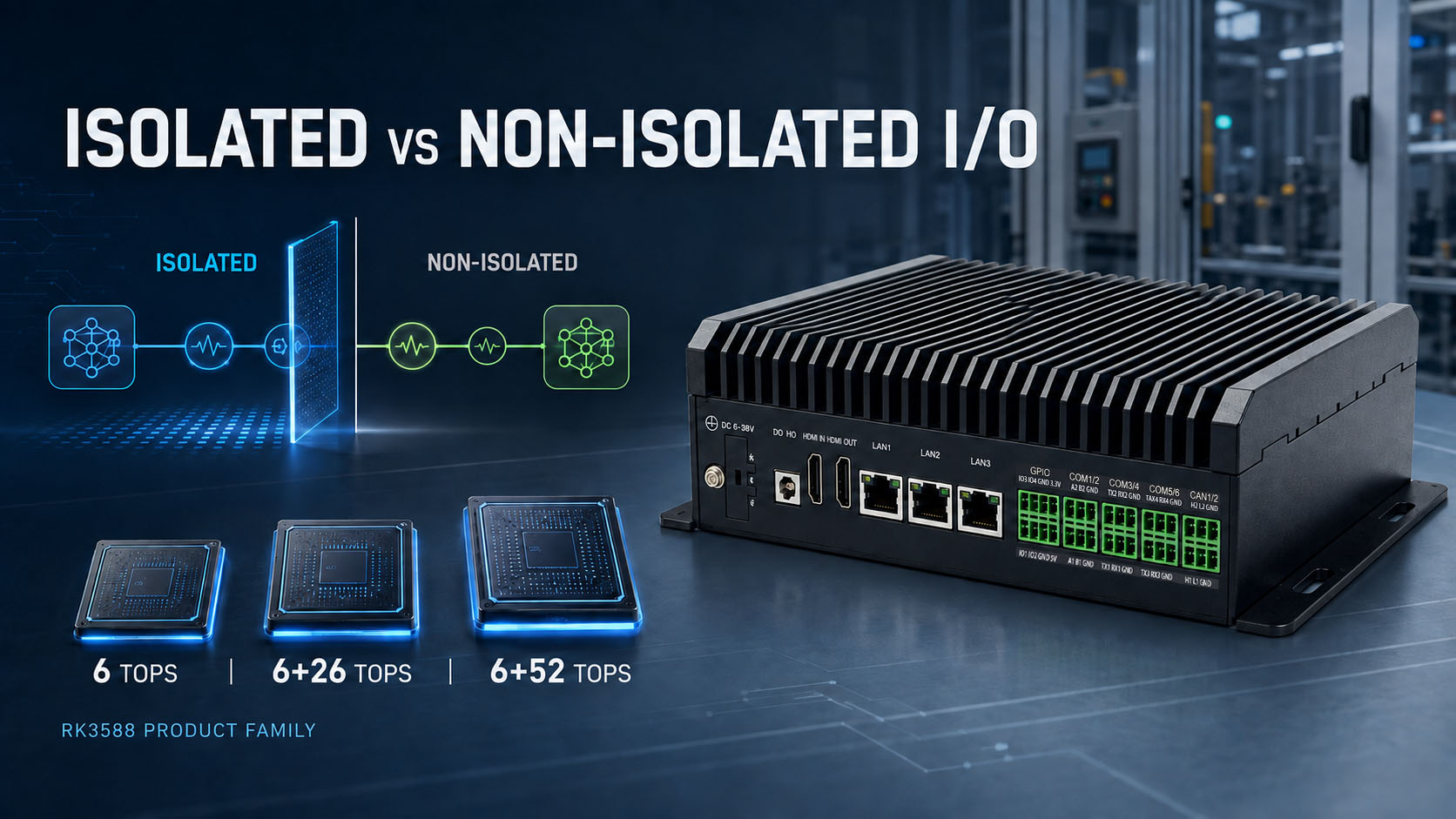
Isolated vs non-isolated I/O and 6 to 58 TOPS — how to match the RK3588 product family to your floor environment and AI workload.
11 min read
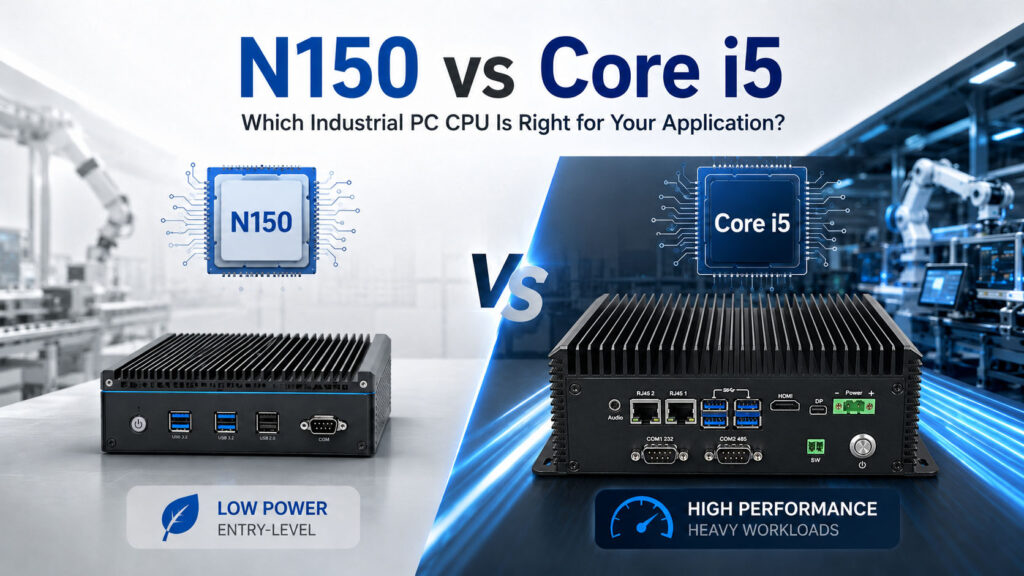
N150 vs Core i5: When Is the N150 Not Enough?
Where the Intel N150 is genuinely the right call for industrial edge nodes — and the signals (vision, virtualization, real concurrency, sustained 24/7 load, single-channel memory) that mean you need a Core i3/i5 or N355.
14 min read
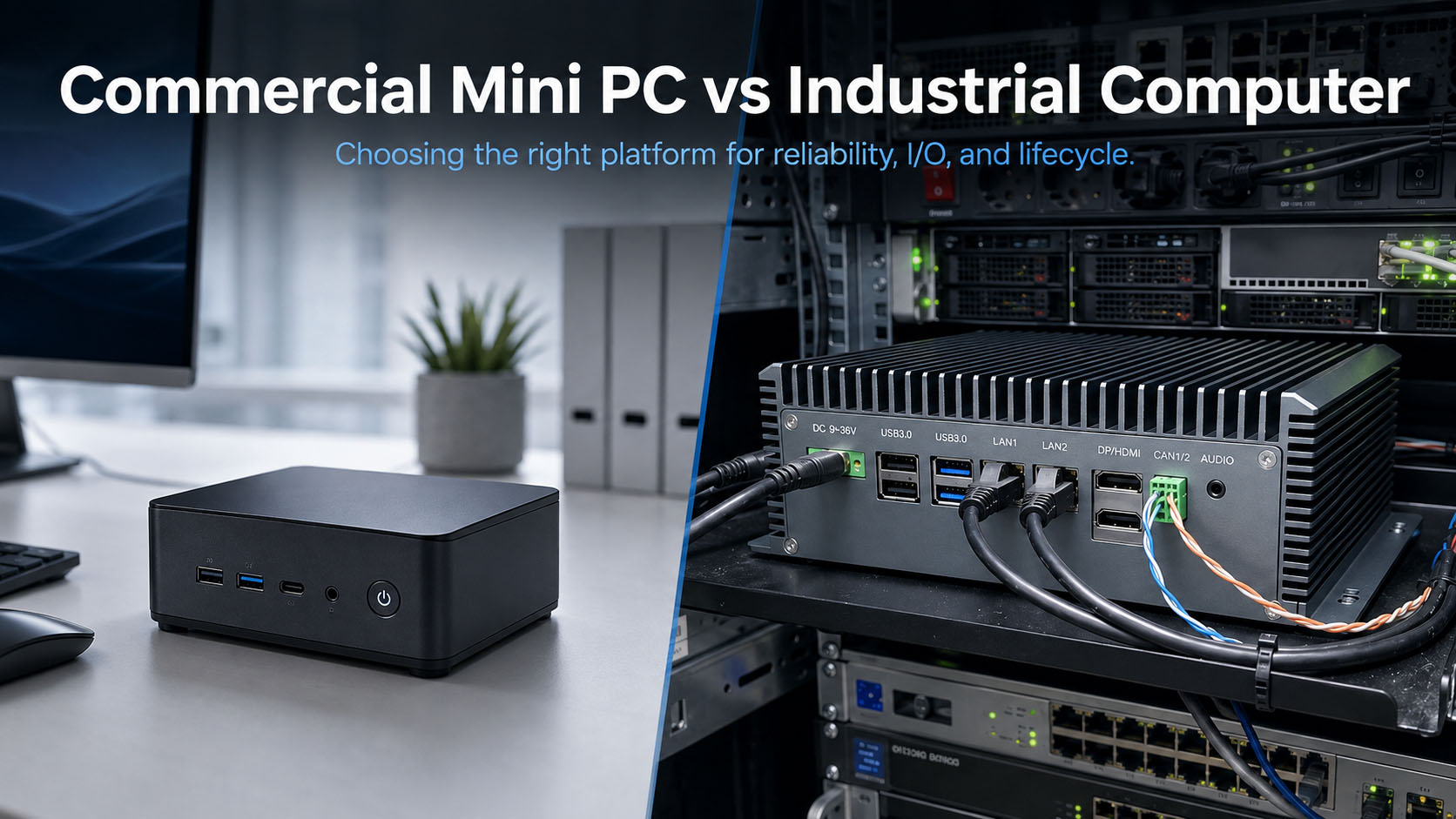
Industrial PC vs Mini PC: What Are You Actually Paying For?
An industrial box PC costs 3–5× a mini PC with the same CPU. Where that premium buys real engineering — thermal, wide-range DC input, isolated fieldbus, frozen BOM, IoT LTSC — and the four cases where a mini PC wins.
9 min read
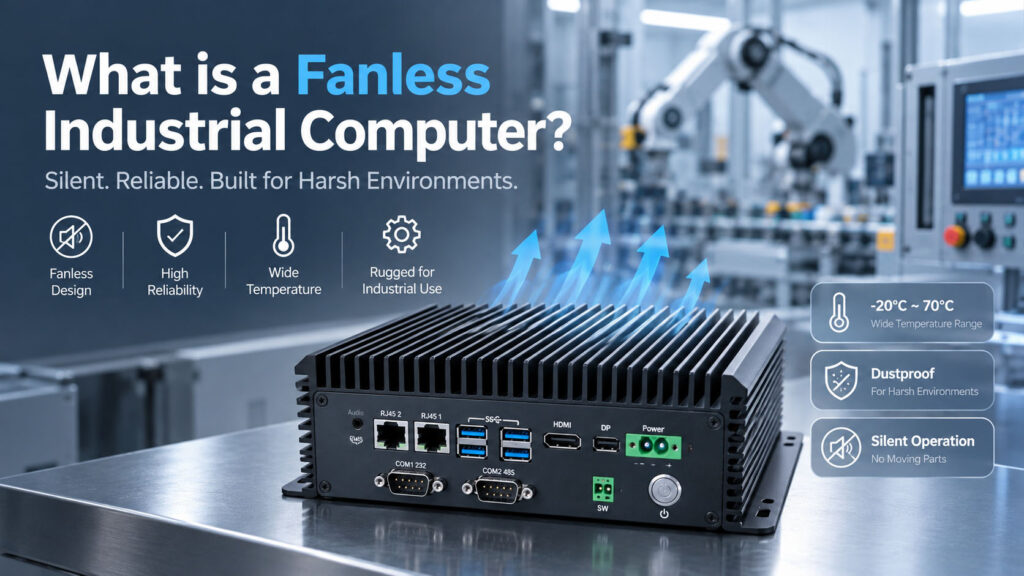
What Is a Fanless Industrial Computer?
The straight definition and thermal design — then the questions that actually decide deployments: lifecycle and spares, fleet OS management, legacy I/O, reliability data, and ten-year TCO.
9 min read
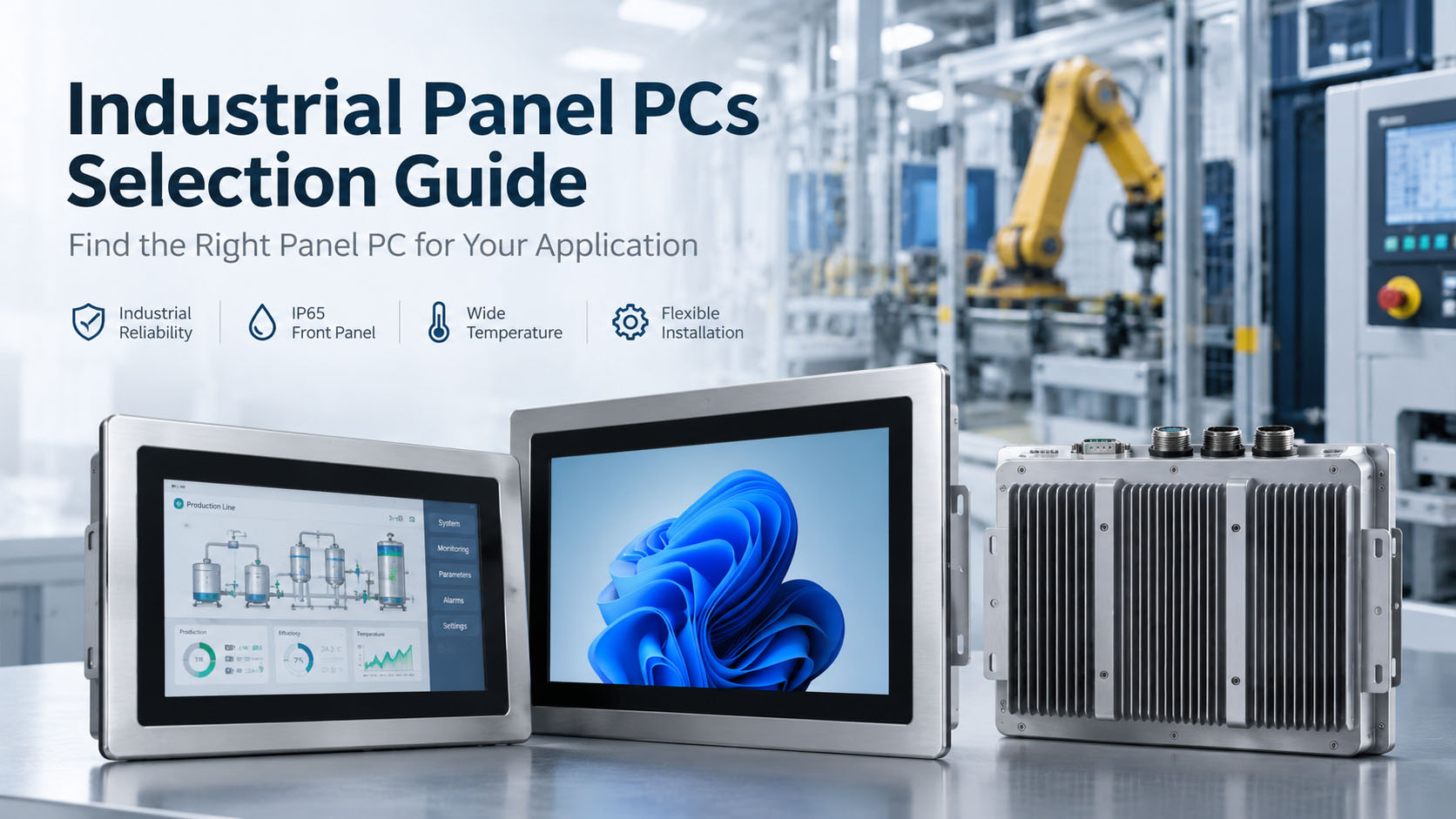
Industrial Panel PC Selection Guide
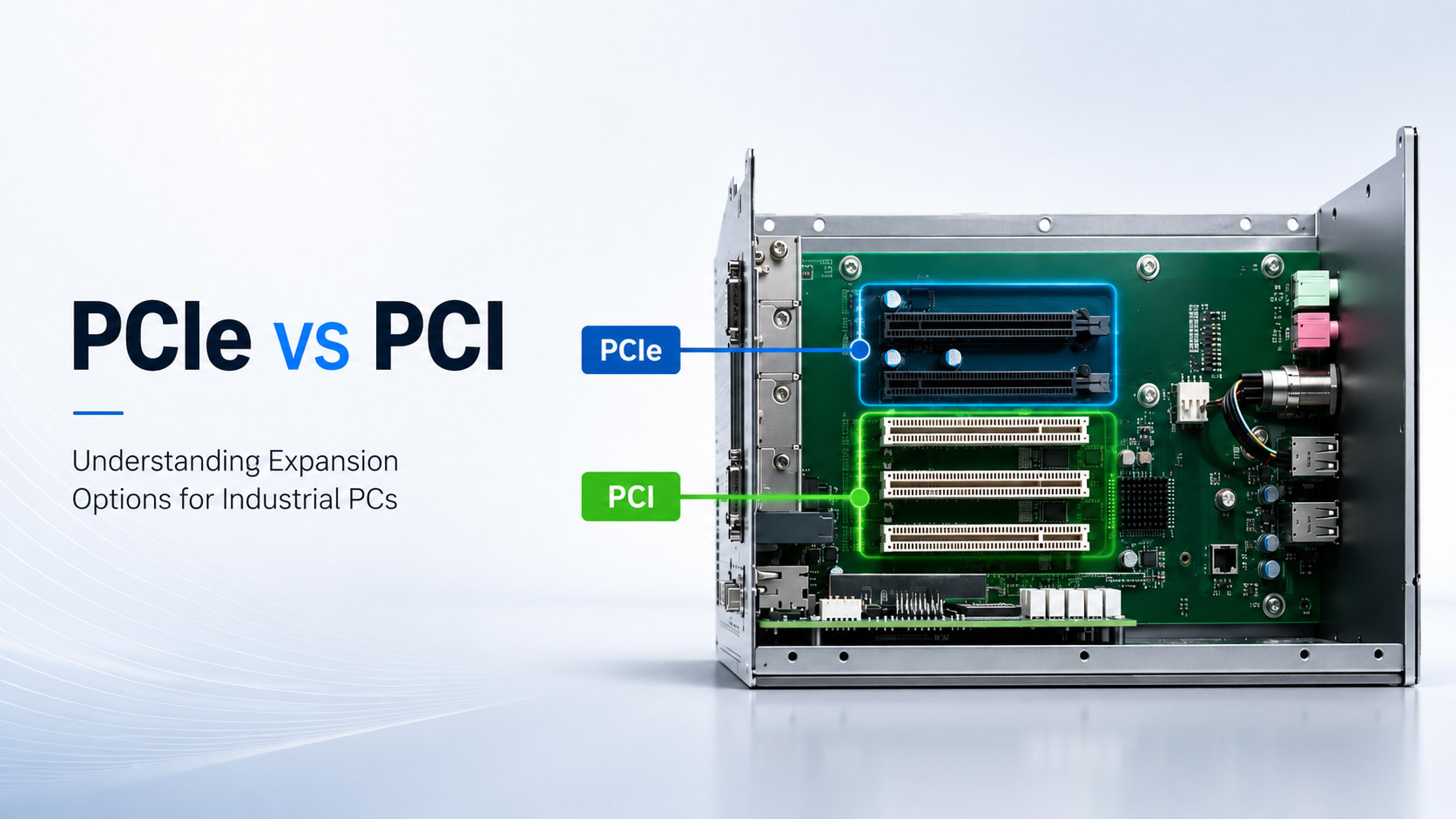
Choose a panel PC by matching four things in order — IP rating (IP65/IP66/IP69K), touch (PCAP vs resistive), mounting (panel/VESA/open-frame), and screen size — before the CPU.
8 min read
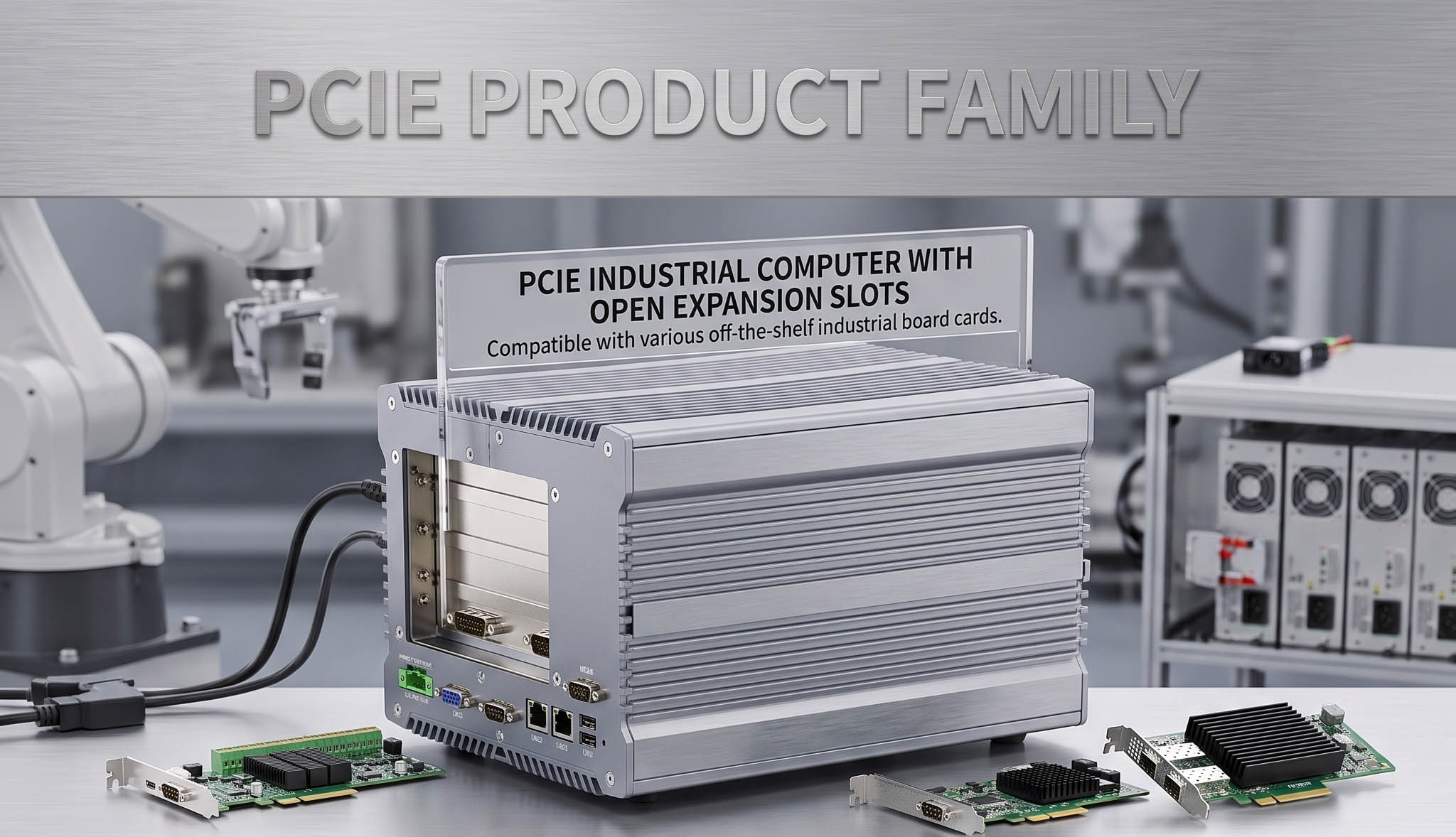
PCIe Expansion Industrial PC Selection Guide
How to match a PCIe, Mini PCIe, or legacy PCI add-on card to the right industrial box PC — from lane speed and card form factor to power, thermal, and lifecycle.
9 min read
Legacy PCI Industrial Computer Selection Guide
Why the PCI slot refuses to die — and the seven specs (bridge chip, 5V vs 3.3V signaling, PCI-X, slot count, drivers, form factor, lifecycle) that decide whether a modern PCI industrial PC will run your legacy card.

8 min read
FOB Is Not Landed Cost: Six Questions Before You Import
Incoterms, HS classification, duty exposure, compliance-file longevity,field-failure routing,and CPU end-of-lfie — the six questions that decide whether an overseas industrial hardware supplier is actually cheaper
Selection FAQ
Answers to the questions integrators ask before spec-in
Platform choice, interface protection, and total cost of ownership — the three decisions that shape every industrial hardware spec.
① Platform Selection
Why is architecture more important than TOPS when selecting an edge AI platform?
TOPS is a peak-throughput number, not a system spec. What actually governs real-world performance is what the compute engine talks to and how — camera ingress (MIPI vs USB vs GMSL2), memory bandwidth, the toolchain your team already uses, and the thermal envelope you can build around it.
An RK3588 platform quoted at 32 TOPS is actually 6 TOPS onboard plus a 26 TOPS M.2 accelerator — two engines, two toolchains. A Jetson Orin NX at 157 TOPS is a single unified device. Neither number tells you whether the platform fits your project.
Match architecture to workload first. TOPS is the last number you check, not the first.
Full framework: Jetson Orin vs RK3588 vs x86 →
When does Jetson Orin become worth the price over RK3588?
Three specific triggers, not one:
- Distributed cameras — more than two cameras cabled across a moving chassis. GMSL2 ingress on Jetson (4 lanes over coax, ~15 m reach) solves what MIPI or USB cannot.
- Toolchain match — your perception team already lives in CUDA, TensorRT or Isaac ROS. RKNN conversion for RK3588 adds real engineering time your Jetson project doesn't pay.
- Model iteration frequency — if you'll update the model monthly, Jetson's toolchain overhead is lower than RK3588's quantization loop.
If none of the three apply, RK3588 (AE-3588LBT or AE-3588BT) delivers the same job at lower unit cost and lower power.
Full comparison: RK3588 vs Jetson Orin for Multi-Camera Vision and AMR →
How do I choose a panel PC when the CPU is not the main constraint?
Match four things in this order — before you look at the processor:
- IP rating — IP65 for indoor washdown or factory floor; IP66 for outdoor with driven rain; IP69K only for high-pressure cleaning (food, pharma).
- Touch technology — PCAP for glove-free multi-touch and glass overlay; resistive when operators wear thick gloves or the interface sees liquid pooling.
- Mounting — panel-cut, VESA, or open-frame. This determines your enclosure design, not the panel PC's.
- Screen size — driven by operator distance and content density.
CPU class only matters after the above are locked. A wrong IP rating kills a deployment; a slightly slower CPU is a firmware problem.
Deep dive: Industrial Panel PC Selection Guide →
Should I choose a SOM plus carrier board or a single-board design?
SOM + carrier (AX series: AX-130BT / AX-134BT) wins when:
- Your program runs 5+ years and you want to survive CPU generation changes without re-certifying the enclosure
- You need a custom I/O layout that doesn't exist on any catalog SBC
- You're integrating for a customer who runs "Copy Exactly" audits
Single-board (AE series: AE-3588 line) wins when:
- Space and unit cost drive the design (AGV fleets, consumer-adjacent robotics)
- The compute workload is stable and won't need a mid-program upgrade
Both are backed by Fixed BOM Control and formal PCN. The difference isn't reliability — it's what happens when the silicon roadmap moves under you.
Related: Lifecycle Management →
② Interface, Isolation & Protection
When should I choose isolated versus non-isolated I/O interfaces?
Isolated I/O is required when signals cross ground references or touch the outside world — motor drives, long cable runs, vehicle power buses, high-EMI floors with variable-frequency drives, or any deployment where your device shares ground with something you don't control.
Non-isolated I/O is fine when the deployment lives in a controlled cabinet with a single grounded PSU, cables under 3 m, and no switching loads nearby. Isolation costs money and adds propagation delay — don't pay for what you don't need.
BITECH platforms treat isolation as a configured option, not a fixed feature: AE-3588BT ships isolated as standard, AE-3588LBT non-isolated, AX-130BT configurable per project.
Full guide: Isolated vs Non-Isolated I/O →
What does 4000V isolation actually mean, and what does it not mean?
4000V isolation is a withstand voltage — the level a 1-minute dielectric test verifies without breakdown. It is NOT a continuous working voltage. Working voltage on the same barrier is typically well below 1000V.
What it protects against: transient surges, ground potential differences between devices, capacitive coupling from switching supplies, and ESD from field wiring. It does not turn your industrial PC into a medical isolator, and it doesn't replace a proper grounding scheme.
Ask any supplier quoting isolation whether they mean withstand or continuous — the answer separates real engineering from spec-sheet inflation.
Deep dive: Industrial PC Galvanic Isolation →
Do I need CAN FD, or is classic CAN enough?
Classic CAN (up to 1 Mbps, 8-byte payload) is enough for legacy motion control, most AGV drivetrain networks, and any deployment where the bus was designed pre-2015.
CAN FD (up to 8 Mbps, 64-byte payload) becomes worth specifying when:
- You need to move sensor packets (LIDAR, IMU fusion) over the same bus as motion commands
- Your gateway aggregates 3+ subsystems and classic CAN starts to saturate
- Your customer's roadmap includes automotive-grade equipment (most new vehicle buses assume CAN FD)
BITECH platforms use native hardware CAN / CAN FD controllers rather than USB bridges — determinism matters more than raw throughput on a control network.
Related: The 60Ω CAN Bus Check →
When do I need GMSL2 instead of GigE Vision for a multi-camera system?
GMSL2 wins when cameras are far from the compute (up to ~15 m over coax), the environment is electrically noisy (motor drives, switching supplies), and you need deterministic sync across channels — the AMR case, essentially.
GigE Vision wins in a fixed inspection cell: one or two cameras near the compute box, controlled ground, off-the-shelf interoperability with existing camera libraries.
Neither is universally better. If your cameras are corner-mounted on a moving chassis, GMSL2 (available on Jetson-based AE-NJ60BT) is the answer. If your cameras are on a static machine within a metre of the box, GigE Vision on any x86 platform does the job at lower cost.
Full comparison: GMSL2 vs GigE Vision →
③ Total Cost of Ownership & Longevity
What is the real MOQ and lead time for an OEM/ODM program?
Turnkey OEM and private-label programs start at 100 units minimum. Non-recurring engineering (NRE) is quoted upfront, before you commit — so you know what custom I/O, enclosure and BIOS work costs before the project starts.
Lead times depend on customization depth:
- Standard platforms (AE / AP series) — samples in 10 days
- Custom carrier board — approximately 4 weeks to sample and validate
- Fully custom mainboard engineered to your mechanical envelope — 1 to 3 months from requirements review to first articles
The MOQ is deliberately low. Most catalog-only suppliers won't quote below 500 units; BITECH's SOM + carrier approach makes 100 units economically viable.
How long does my platform actually stay available?
Availability depends on the underlying silicon, not marketing claims:
- AE-3588 series (RK3588) — 10+ years, aligned to Rockchip's published production commitment
- AX series (modular x86 SOM) — 7+ years, with CPU generation swap possible without changing the carrier or enclosure
- AE-NJ60BT (Jetson Orin NX) — tracks NVIDIA's published Jetson product lifecycle
- AE-760EBT (x86 + MXM GPU) — shortest window in our range; MXM generations turn over faster than embedded CPUs, and we quote the window explicitly at design-in
All platforms sit on Fixed BOM Control with 6-month PCN notice and a last-time-buy window before any change.
Full policy: Lifecycle Management →
Why should I care about Fixed BOM Control?
Silent component substitution is the classic failure mode of cheap industrial PC suppliers: the schematic stays the same, but a capacitor, a PHY chip, or a voltage regulator quietly changes between production batches. Your system that was validated six months ago now fails BIOS POST intermittently — and no one can tell you why.
Fixed BOM Control locks the exact component list after DVT. No substitutions without formal PCN. Every unit's build BOM is logged against its serial number, so if a component supplier lot turns out to have a defect, we can identify every unit shipped with that lot and warn the customer before failures start.
This is invisible until you need it — then it decides whether a warranty case takes 2 hours or 2 weeks.
Why is per-unit testing worth paying for?
Statistical sampling (5% AQL) catches obvious defects but misses the 1–2% of units that pass QC and die in month three of deployment — the specific failure mode that costs integrators service margin, customer relationships, and weekend investigations.
Every BITECH unit passes an 18-hour bare-board burn-in, a full interface and function test across CAN, serial, Ethernet, display, storage and I/O with real tools (not self-test scripts), then another 18-hour burn-in in its assembled enclosure. Roughly two working days of testing per unit, serial-number traceable.
The second burn-in — after enclosure assembly — catches thermal path errors that a bench test cannot see. Skipping this step is why "cheap industrial PCs" work in the QC bay and die in the field.
Full process: How We Test Every Industrial PC Before Shipment →
Want an engineering perspective on your application?
Talk to a BITECH engineer about platform architecture, isolation requirements, or lifecycle planning for your OEM/ODM project.