
Industrial Panel PC Selection Guide
Choose an industrial panel PC by matching four things to your environment in order — IP rating, touch technology, mounting, and screen size — before you ever look at the CPU.
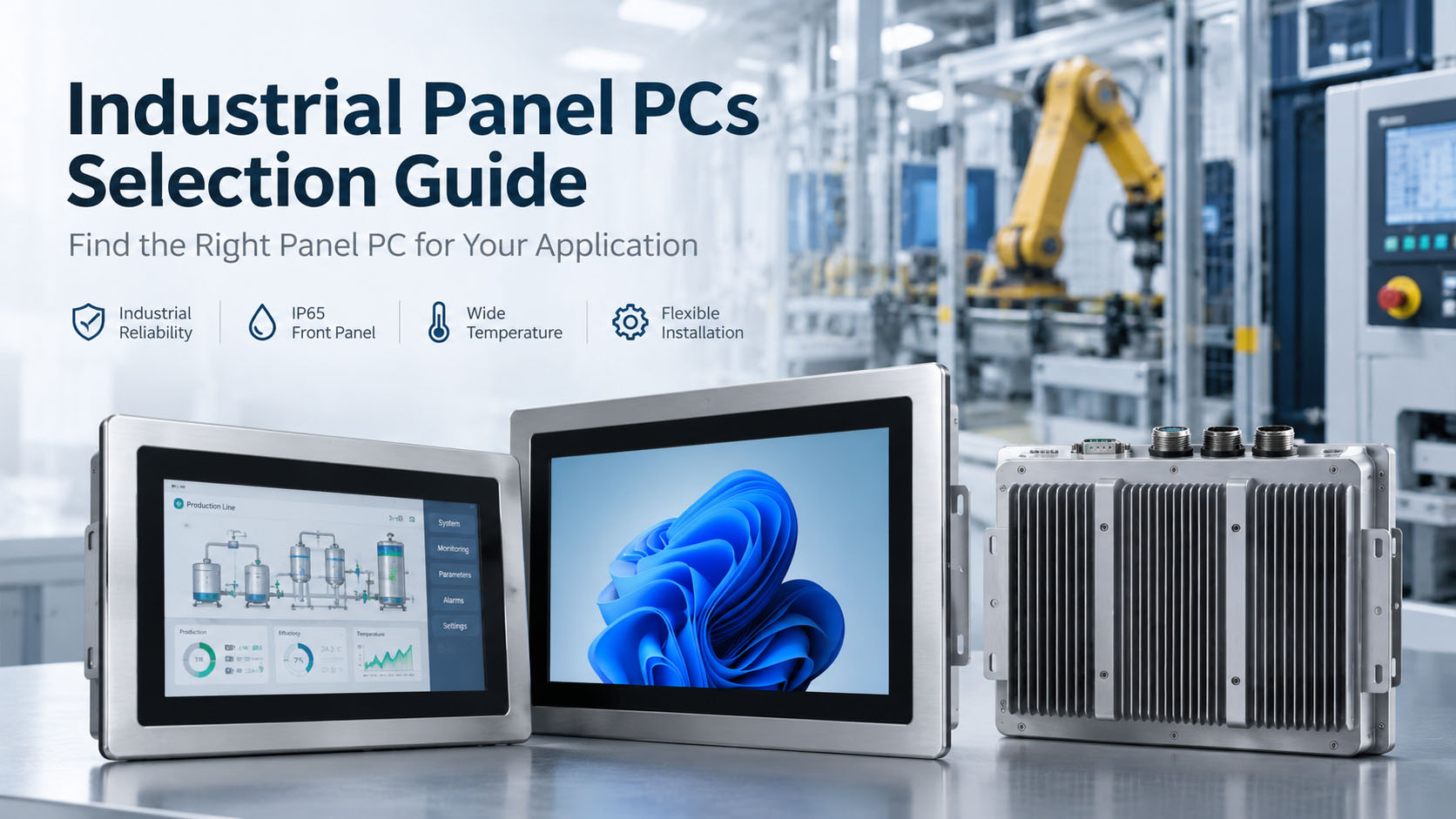
The enclosure rating, touch technology, and mounting decide whether a panel PC survives its deployment — long before the spec sheet.
Table of Contents
Choose an industrial panel PC by matching four things to your environment, in this order: IP rating (IP65 dust-tight + water jets is the indoor baseline; IP66/IP69K for washdown), touch technology (PCAP for multi-touch, clarity and durability; resistive for gloves, stylus and lowest cost), mounting (panel-cut for cabinets, VESA for arms/walls, open-frame for custom enclosures), and screen size (measure the panel cutout, not just the nominal diagonal). CPU and resolution matter far less than getting these four right.
An industrial panel PC is an all-in-one computer with a built-in touchscreen, built to survive where a consumer tablet or office monitor won’t: sealed against dust and liquids, fanless, wide-temperature, with industrial I/O and long-term availability. This guide walks through the four selection axes in the order that actually matters, plus the specification traps that catch buyers.
Start with the IP rating, not the spec sheet
The Ingress Protection (IP) rating defines how well the unit resists solids and liquids. It’s the first filter because the wrong rating fails in the field regardless of how good the computer is.
| Rating | Protects against | Typical use |
|---|---|---|
| IP54 | Limited dust; splashing water | Indoor, climate-controlled control rooms, low traffic |
| IP65 | Dust-tight; low-pressure water jets | Baseline for factory floors, general industrial |
| IP66 | Dust-tight; powerful water jets | Washdown-adjacent, wet processing |
| IP69K | Dust-tight; high-temp, high-pressure washdown | Food & beverage, pharma washdown, hygienic areas |
The trap that catches everyone: an IP rating usually applies to the front bezel only, not the whole enclosure — unless the datasheet explicitly states a full-enclosure rating. A unit sold as “IP65” is typically IP65 on the front face where it meets the panel cutout, and lower at the rear. For washdown areas, also look for NEMA 4X (≈ IP66) and stainless-steel or polyester overlays. Always request the actual IP test report, not just the logo on the datasheet.
Touch technology: PCAP vs resistive
The two touch technologies behave very differently, and the right one depends on how operators actually use the screen.
| Projected Capacitive (PCAP) | Resistive | |
|---|---|---|
| How it works | Senses conductivity / field change | Senses physical pressure between layers |
| Multi-touch & gestures | Yes (zoom, pan, up to 10 points) | No (single tap) |
| Clarity & brightness | Higher (glass, optical bonding) | Lower (multiple layers) |
| Durability | High; scratch-resistant glass | Wears faster under repeated use |
| Gloves / stylus | Bare finger or capacitive gloves | Any glove, stylus, moisture |
| Cleaning / hygiene | Flat glass, easy to wipe | Textured film, harder to seal |
| Cost | Higher | Lower |
| Best for | Modern multi-touch HMI, washdown | Gloved operation, retrofit, budget |
For most new automation projects, PCAP is the default — better clarity, multi-touch, easier cleaning, and longer life. Choose resistive when operators wear heavy gloves, use a stylus, need moisture tolerance, or you’re retrofitting a legacy resistive HMI on a budget. Touch technology and construction grade are independent choices: both are available in fully industrial builds, so “rugged” doesn’t imply either one.
Mounting: how it installs decides the model
How the unit physically installs is not an afterthought — it constrains which product you can buy and how it’s serviced.
Panel-cut / flush mount
Installs into a cutout in a cabinet or machine, sealing (IP65/66) at the front face. The standard for retrofitting into control panels; check the exact cutout dimensions and gasket kit. Limited rear access.
VESA mount
Standard hole patterns (VESA 75/100, larger units VESA 100/200) for arms, walls, or carts. Best for flexible positioning and tilt/swivel; confirm the pattern before purchase.
Open-frame
Bare display + I/O for building into a custom enclosure or kiosk. Lightweight and flexible, but you provide the housing and IP protection.
Wall / arm / desktop stand
For operator stations and dashboards where the panel sits away from the machine.
Prefer units with tool-less rear access for SSD/RAM service — it cuts downtime on the floor. And consider decoupling compute from display (a rugged monitor + separate industrial PC) when you want to upgrade compute or swap a damaged screen without replacing the whole unit.
Screen size: measure the cutout, not the number
Nominal size is the diagonal, but two “15-inch” units can have different bezels and panel cutouts, so measure the cutout, not just the diagonal. General guidance:
7″–10″
Embedded machine HMI, space-constrained cabinets, mobile/vehicle mounts.
12″–15.6″
The mainstream operator-interface range for machine control.
19″–21.5″
Factory dashboards, SCADA visualization, line-side terminals.
On resolution, don’t over-spec: 1920×1080 is sufficient for 22″ and below; scaling higher rarely improves HMI legibility. What does matter is brightness — for areas near windows, skylights, or outdoors, specify ≥700 cd/m² sunlight-readable panels with anti-reflective coating rather than standard 250–350 cd/m².
The specs buyers forget
Beyond the big four, confirm these before you commit:
- Operating temperature — Industrial units run roughly −20°C to +60°C; verify the thermal derating curve (some throttle CPU above ~45°C). Fanless is the norm — no fan means no dust intake or bearing failure.
- I/O — Isolated RS-232/485 COM ports, dual Gigabit Ethernet, USB 3.0 (some front-accessible), and CAN / isolated DIO for PLC and sensor integration.
- Power — A wide DC input (e.g. 9–36V) for machine and vehicle deployments, ideally with ignition sensing on mobile installs.
- Shock & vibration — Tested to IEC 60068 for machinery and mobile use.
- Lifecycle — Industrial units should offer multi-year spare-part and firmware availability; confirm a real long-term supply commitment.
A practical decision path
- 1
Environment → IP rating. Washdown → IP66/IP69K + NEMA 4X + stainless/polyester. Dusty floor → IP65. Clean room → IP54 is fine. Confirm front-only vs full-enclosure.
- 2
Operator use → touch. Gloves/stylus/legacy → resistive. Multi-touch/clarity/longevity/hygiene → PCAP.
- 3
Installation → mounting. Cabinet cutout → panel mount. Arm/wall/cart → VESA. Custom housing → open-frame.
- 4
Viewing → size & brightness. Match diagonal to task and distance; ≥700 cd/m² if sunlight is a factor; measure the cutout.
- 5
Then spec the compute. CPU, RAM, I/O, power, temperature and lifecycle to the workload.
Where this fits BITECH
BITECH builds fanless industrial panel PCs and rugged touch devices across the mainstream size range, with IP65 front bezels, resistive or PCAP touch, panel-mount and VESA options, isolated COM/CAN/DIO, and wide-range DC input for machine and vehicle installs — backed by a 10-year lifecycle so a fleet of HMIs isn’t orphaned mid-program. If you’re specifying a panel PC, tell us the environment (washdown? gloves? sunlight?), the mounting, and the cutout — we’ll confirm the IP grade, touch and size before you commit.
Industrial Panel PCs
The full fanless panel PC family — x86 and ARM, PCAP or resistive touch, IP65 front bezel, from embedded HMI to line-side dashboards.
Browse by Screen Size
12.1″, 15.6″, 17.3″, 21.5″ and more — pick the diagonal for your task, then confirm the panel cutout.
Browse by Mounting
Panel-cut, VESA, open-frame and stand options grouped by how the unit installs.
FAQ
Q: What IP rating do I need for an industrial panel PC?
A: IP65 (dust-tight plus low-pressure water jets) is the baseline for general industrial and factory-floor use. Step up to IP66 for powerful water jets and IP69K for high-temperature, high-pressure washdown in food, beverage and pharmaceutical areas; IP54 is enough for clean, climate-controlled control rooms. Critically, an IP rating usually applies to the front bezel only unless the datasheet specifies a full-enclosure rating — always confirm which, and request the test report.
Q: Should I choose resistive or capacitive (PCAP) touch?
A: Choose PCAP for multi-touch, gestures, higher clarity, easier cleaning, and longer life — the default for most new HMI projects. Choose resistive when operators wear heavy gloves, use a stylus, need moisture tolerance, or you’re retrofitting a legacy resistive system on a budget. Touch technology is independent of ruggedness: both are available in fully industrial construction.
Q: What is the difference between panel mount, VESA, and open-frame?
A: Panel (flush) mount installs into a cabinet or machine cutout and seals at the front face — the standard for control-panel retrofits. VESA mount uses standard hole patterns (75/100, or 100/200 on larger units) for arms, walls, and carts, giving flexible positioning. Open-frame is a bare display for building into a custom enclosure or kiosk, where you provide the housing and IP protection.
Q: What screen size should I pick?
A: Match the diagonal to the task: 7″–10″ for embedded machine HMI and space-constrained or mobile installs, 12″–15.6″ for mainstream machine control, and 19″–21.5″ for dashboards and SCADA. Measure the panel cutout, not just the nominal diagonal, because bezel widths vary. For resolution, 1920×1080 is sufficient at 22″ and below.
Q: Does an “IP65” panel PC mean the whole unit is sealed?
A: Usually not. On most industrial panel PCs the IP65 rating applies to the front bezel — the face that meets the panel cutout — while the rear enclosure is rated lower. Only a datasheet that explicitly states a full-enclosure IP rating covers the whole unit. For exposed or washdown installations, verify this and request the IP test report.
Q: Do I need a sunlight-readable display?
A: Only if the panel will see strong ambient light — near windows, skylights, loading docks, or outdoors. Standard panels run 250–350 cd/m²; for bright environments specify ≥700 cd/m² with an anti-reflective coating. Indoors under normal lighting, standard brightness is fine and over-specifying wastes budget.
Related products & solutions
A panel PC decision should end with a specific model and a clear deployment path. Below are the BITECH products and solutions that turn the four-axis decision into a working HMI.