How We Test Every Industrial PC Before Shipment

18-hour bare-board burn-in, full interface and function test, then another 18-hour burn-in in the assembled enclosure. Not a sample — every unit.

BITECH QC verification lab in Shenzhen with multiple test stations and anti-static workbench

Bring-up and interface verification bench in Shenzhen — every unit, serial-number logged.

BITECH Engineering Notes · ~7 min read · Updated 2026-07-26

In short: Every unit we ship — not a statistical sample — passes an 18-hour full-load burn-in on the bare mainboard, a full interface and function test across CAN, serial, Ethernet, display, storage and I/O, then another 18-hour burn-in in the assembled enclosure. Roughly two working days of testing per unit before it leaves Shenzhen. Serial-number traceable, component-lot logged. If something is going to fail, we want it to fail on our bench — not on your production line.

Anyone can pass QC on a batch of pristine boards. The problem in industrial hardware isn’t the boards that work — it’s the 1 to 2% that would have died in month three, and the fact that you can’t tell which ones just by looking at them.

Statistical sampling doesn’t catch those. A random 5% AQL check that passes says nothing about the 95% that weren’t checked. In consumer electronics that’s an acceptable trade-off. In a fanless PC bolted to an AMR chassis or riding on a vehicle bus, one dead unit is a service call, a customer complaint and a chunk of your margin.

So we don’t sample. Every unit gets the same test.

The three stages, in order

Testing runs in three sequential stages — bare-board burn-in, full interface & function test, assembled burn-in — and a unit doesn’t advance until it passes the one before.

StageWhat runsDurationWhat it catches
1. Bare-board burn-inMainboard powered up, all cores under sustained full load, DDR memory stress, storage read/write cycling, thermal monitoring on CPU / VRM / DDR18 hoursInfant mortality on ICs, marginal solder joints, weak power stages, DDR/storage timing issues that only emerge under sustained heat
2. Interface & function testEvery I/O port exercised individually with real tools: CAN frames via USBCAN protocol analyzer, RS-232/485 via SSCOM, Ethernet link and iperf throughput, USB enumeration and R/W, HDMI/DP output, watchdog, RTC, GPIO, isolated I/O barrier verification~1–2 hoursAny dead or degraded port; misplaced components; solder shorts on connectors; wrong BIOS/BSP shipped with the unit
3. Assembled-enclosure burn-inUnit fully assembled (chassis, thermal path, cables, mounting), re-run full-load burn-in with thermal monitoring at the enclosure surface18 hoursThermal path errors — bad thermal pad placement, missing pad on a VRM, chassis contact issues; anything the bare-board test couldn’t see because the heatsink wasn’t there yet

Roughly two working days of testing per unit before it ships.

                                                      The chamber test in the assembled-enclosure burn-in stage. Every AX-234BT verified from -40°C cold boot to +60°
                                                     sustained operation |
 Shown on this platform; the same process runs on every temperature-rated platform we ship.

Why bare-board first, then again in the enclosure

This is the part most factories skip, and it’s what makes the difference in the field.

Bare-board burn-in tests the electronics. No enclosure means the failure mode is electrical — a marginal capacitor, an underspec’d VRM, a DDR timing that only breaks after 12 hours at temperature. If a board is going to die young, this is where it dies.

Assembled-enclosure burn-in tests the system. A board that ran clean on the bench can still overheat inside its final chassis, because thermal design is a system-level problem. A missing thermal pad on a VRM, a heatsink not properly seated, a cable pushing against an inductor and blocking airflow — none of those show up until you assemble the unit and cook it again.

Skipping the second burn-in is the classic failure mode of “cheap industrial PCs” — they work in the QC bay, then die three weeks into deployment because the thermal path was never verified end-to-end.

What the interface test actually looks like

Between the two burn-ins, every port is exercised with real tools — not a self-test script that reports “OK” without doing much.

CAN / CAN FD
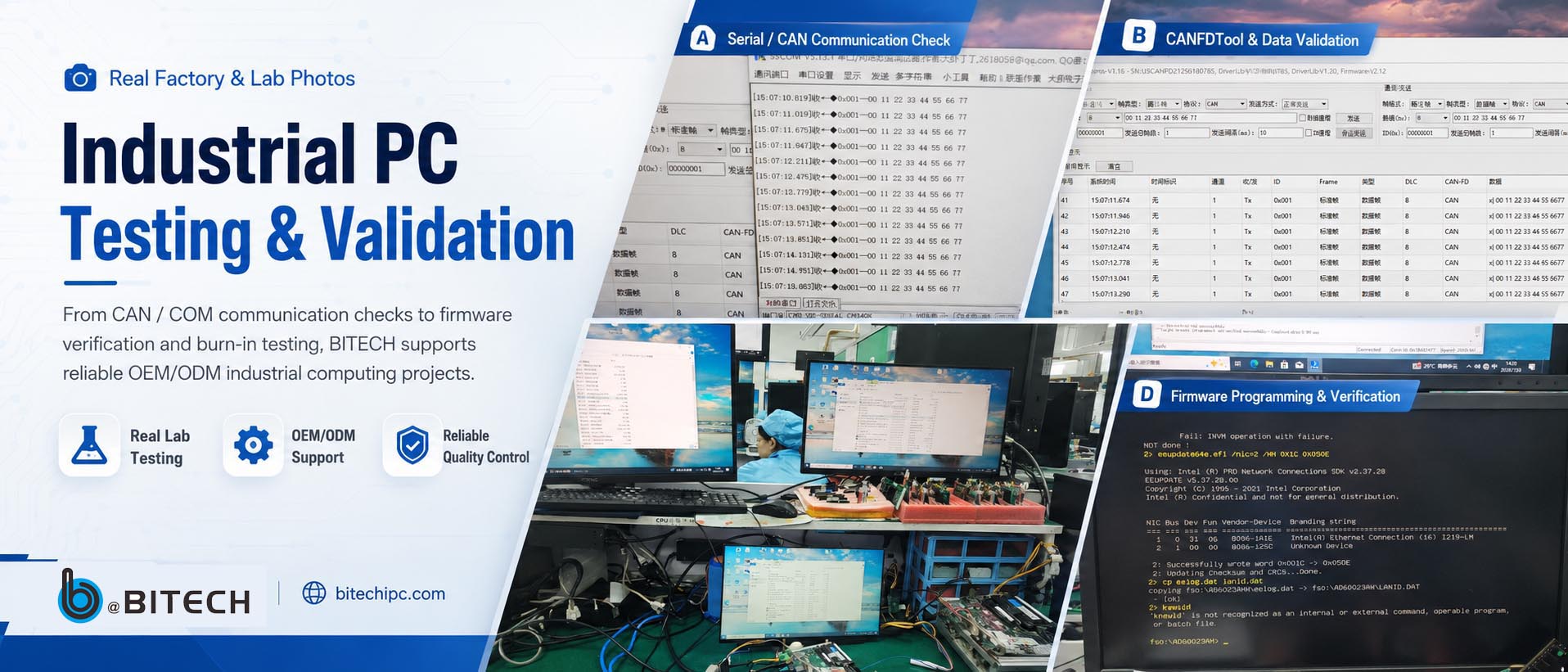
USBCAN protocol analyzer sends and receives real frames; frame ID integrity, payload correctness, bus timing verified line by line. Native controllers, not USB bridges.
RS-232 / RS-485 / RS-422
SSCOM serial debugger, loopback and cross-node tests, plus isolation barrier verification on isolated variants ($4000V$ withstand confirmed at the interface).
Ethernet (2.5GbE / GbE)
Link negotiation, MAC address, iperf throughput at full duplex, PoE where applicable.
USB 2.0 / 3.0 / Type-C
Enumeration on every port, read/write with a known-good drive, power delivery check.
Display (HDMI 2.1 / DP / VGA)
Real display connected, EDID read, resolution and refresh confirmed.
Storage
Full SMART check, R/W benchmark, mounting under Linux.
GPIO / DIO
Every line toggled and read back; isolated lines checked across the barrier.
Watchdog & RTC
Timer accuracy over the burn-in window; RTC drift measured.
BIOS / BSP
Correct version installed for the SKU; boot to OS confirmed.

A test log is filed against the unit’s serial number. If a unit ever comes back from the field, we can pull the log and see exactly what shipped.


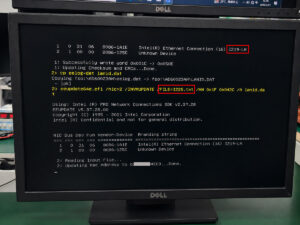
Intel EEUPDATE Tool programming Ethernet NIC EEPROM
Every Ethernet port on every unit gets its MAC address flashed into the NIC EEPROM at production.
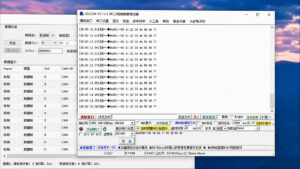
SSCOM serial debugger receving can frmaes
SSCOM logs every received CAN frame with a timestamp. 
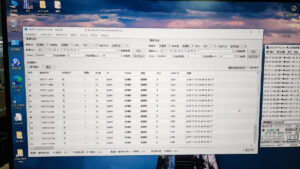
CAN FD Dual channel test1
CAN test bench uses USBCAN as the send node and the AX-234BT CAN port as the receive node — frames verified line by line on both ends. Not ‘link OK,’ but the specific frames arriving in the specific order at the specific rate.

Traceability: every unit, every batch

  • Serial number on the enclosure and inside the log. Every stage’s pass/fail is recorded against it.
  • Component lot tracking on critical parts (CPU, DDR, storage, isolation ICs). If a supplier lot turns out to have a defect months later, we can identify every unit that shipped with it and warn the customer before failures happen.

This is a boring capability that no one asks about — until they need it.

What this catches

In a good production run, this process finds roughly 1–2% infant mortality — units that would have failed within days or weeks of deployment. Those are pulled and root-caused; the customer never sees them.

More importantly, the second burn-in occasionally finds a design or assembly issue the bench test missed — a thermal pad thickness that was fine last quarter but marginal on a new chassis batch, a screw torque too high and putting stress on a PCB. Catching one of those before it goes into 500 assembled units is what pays for the entire process.

What we don’t do

  • We don’t sample. No 5% AQL, no “burn in one out of every batch.” Every unit, every time.
  • We don’t skip the second burn-in. The pressure to skip it is real — it doubles the test time per unit and the bench cost — but the failure mode it catches only shows up after your customer has installed the unit. That’s not a trade we’re willing to make.

Where this fits

For a system integrator, three things matter about the QC process behind an industrial PC:

  • Was every unit tested, or just the batch? Determines whether you’re rolling the dice on the units you didn’t check.
  • Was the thermal path validated in the final enclosure? Determines whether a bench-clean unit is still clean at month three in the field.
  • Can you trace a returned unit to its shipped configuration? Determines whether a warranty case takes 2 hours or 2 weeks.

Our process is built around answering yes to all three.

FAQ

Do you test every industrial PC or just a sample batch?

Every unit — not a statistical sample. Each shipping unit passes an 18-hour bare-board burn-in, a full interface and function test across every port, and a second 18-hour burn-in in its assembled enclosure. Serial-number traceable throughout. Sampling doesn’t catch the 1–2% of units that would fail within weeks of deployment; per-unit testing does.

Why run burn-in twice — once bare, once assembled?

Because they test different things. Bare-board burn-in catches electrical infant mortality — marginal capacitors, weak power stages, DDR timing that fails under sustained heat. Assembled-enclosure burn-in catches thermal path errors that only appear in the final chassis — a missing thermal pad, a bad heatsink seat, a cable blocking airflow.

How long is a BITECH industrial PC tested before shipment?

Roughly two working days per unit: 18 hours bare-board burn-in, 1–2 hours full interface and function test, then 18 hours assembled-enclosure burn-in. Test results are logged against the serial number and retained.

What does the interface test cover?

Every I/O port on the unit, tested with real tools rather than a self-test script: CAN and CAN FD via USBCAN analyzer; RS-232/485/422 via SSCOM with loopback and isolation-barrier verification; Ethernet link and iperf throughput; USB enumeration and read/write; display EDID and resolution; storage SMART and benchmark; every GPIO and isolated DIO line; watchdog and RTC accuracy; BIOS and BSP version verification.

What happens if a unit fails during burn-in?

It’s pulled from the batch and root-caused. Component-level failures flag the affected lot and trigger re-verification of other units built from it. Design-related failures hold the batch for engineering review. The customer never sees a unit that failed burn-in.

Do you keep the test data after shipment?

Yes. Serial number, test log and critical-component lot codes are retained. If a unit returns from the field months later, we can pull its shipped configuration, burn-in results and the lots of its CPU, DDR, storage and isolation ICs — turning a warranty investigation from a two-week guess into a two-hour trace.

Is this different from CE / FCC / RoHS testing?

Yes. Those are compliance certifications performed once on the product design by an accredited lab. Burn-in and interface testing are per-unit production QC that verifies the specific unit shipping to you. BITECH products carry CE, FCC, RoHS and UKCA certification and are tested to MIL-STD-810G methods for shock and vibration; the per-unit process runs on top of that.

Need the test log for your batch?

Tell us the platform and volume — we’ll walk you through the QC record.

Our engineers can share burn-in results, interface test scope and component lot traceability for the units in your program.

Talk to an Engineer
Scroll to Top
POPUP Form

Contact Us